
Pandora - Music & Podcasts review
 Analysis by GetAllApps
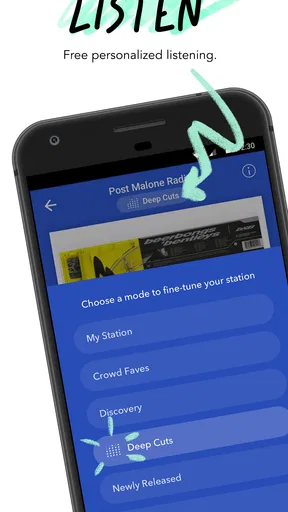
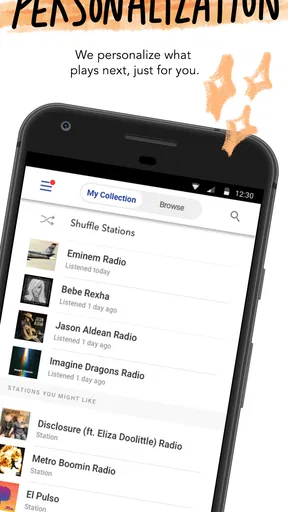
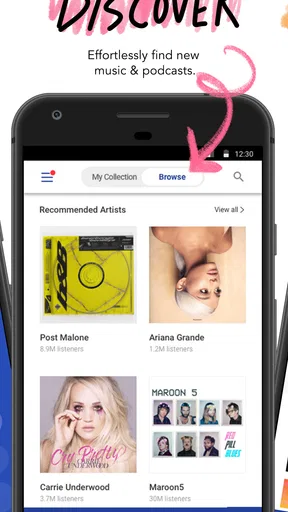
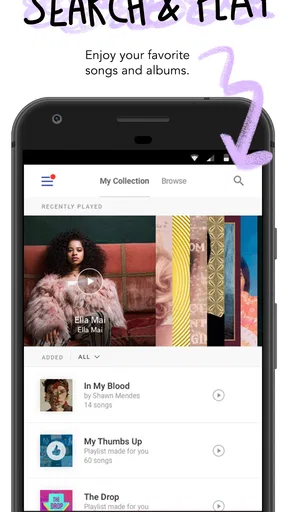
I find Pandora most useful when I want music to fit a moment without having to build a queue from scratch. It is a music and audio app from Pandora, and its appeal is less about treating a library like a shelf of albums and more about getting from an artist, album, playlist, or podcast to something I can listen to right away. That makes it a comfortable choice for everyday listening, especially when I know the mood I want but not the exact next track.
What free access gets you
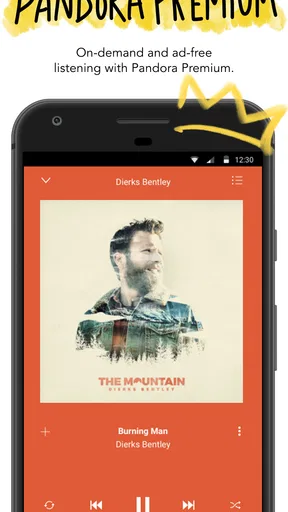
Pandora is free to download, so you can try its basic listening experience without an upfront purchase. The app also offers in-app purchases priced from $0.99 to $12.99 per item. That range is useful to know, but it does not by itself tell you which option suits you or what each purchase changes; I would check the purchase details in the app before paying rather than assume a particular plan solves a specific need.
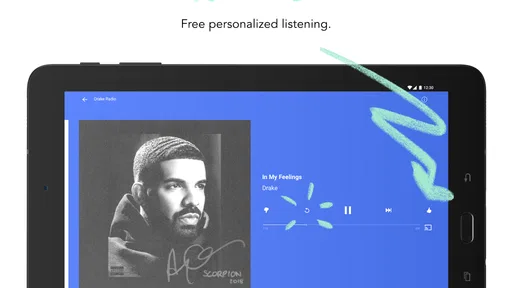
That distinction matters when judging value. Free access makes it easy to see whether Pandora’s way of finding and playing audio suits you before spending anything. A paid purchase may be worthwhile if its terms address a limitation you personally run into, but I would not pay simply because a subscription or upgrade sounds like the natural next step. Start with the free experience, notice what interrupts or restricts your routine, and decide from there.
The app has a 3.9 average from around 3.3 million ratings, alongside roughly 853,000 written reviews. It has been installed over 100 million times. Those figures suggest that Pandora is a widely used service, though they cannot tell you whether its listening style will match your tastes. I treat popularity as a reason to give it a fair try, not as proof that it is the best fit for every listener.
How the listening experience earns its place
The practical advantage is convenience. If I have an artist in mind but do not want to spend time selecting a full sequence of tracks, Pandora can be a straightforward starting point. The same applies when I want audio in the background while cooking, commuting, tidying up, or working through a routine task. It is designed to put familiar listening choices within reach, rather than make every session feel like a playlist-editing project.
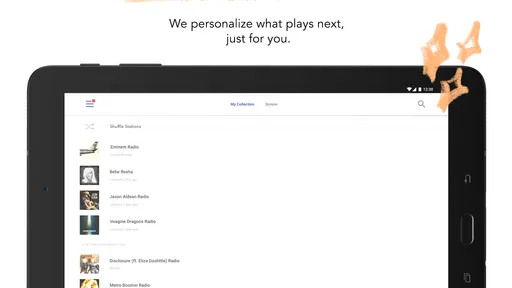
That kind of ease can be more valuable than a large set of controls. Some music apps reward careful curation: you choose a specific album, arrange a queue, or keep a meticulously maintained collection. Pandora makes more sense when I want to begin with a clear seed—an artist, album, or playlist—and let listening take less effort. If I am choosing music for a dinner with friends, for instance, I might start with a familiar artist and use the resulting session as a low-maintenance backdrop rather than repeatedly checking my phone.
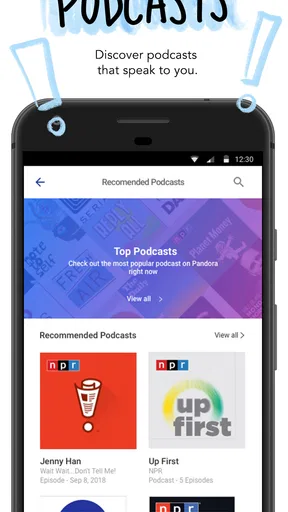
Podcasts broaden its usefulness beyond music. If you already turn to the app for listening, having podcasts in the same place can make it easier to switch formats without opening a separate service. I would see that as a convenience, not a guarantee that Pandora replaces a dedicated podcast app for every listener. People who organize their podcast routine around detailed queues or specialized listening controls may prefer to keep their existing tool.
A useful habit is to treat the first choice as a signal of intent. Starting with an artist or album is a better fit when I want the session anchored in a recognizable sound; picking a playlist makes more sense when I already know the kind of listening context I want. This small distinction helps me avoid the common frustration of asking a music app to guess a mood when I could have given it a clearer starting point.
Where it differs from other music apps
Compared with services that foreground an on-demand catalog and user-built playlists, Pandora’s strongest case is low-friction listening. If your usual alternative is opening a music app, searching for a track, and then spending several minutes assembling a queue, Pandora may feel more relaxed. It is particularly appealing when discovery and background play matter more than precise control over every song in sequence.
The trade-off is that listeners who want exact control may find this approach less satisfying. If you already know the complete album or precise track order you want, a service centered on direct selection and playlist management may suit you better. Likewise, someone who wants one carefully organized home for a large personal collection may prefer an app built around managing that collection. Pandora is a weaker choice when the central task is “play exactly these tracks, in exactly this order.”
I would also avoid treating “music and podcasts in one app” as a reason by itself to switch. The value depends on whether the way Pandora handles the listening you actually do feels simpler than keeping separate apps. Try a typical music session and a typical podcast session before reorganizing your habits. A combined destination is only an improvement if it saves you effort without taking away controls you rely on.
Small choices that make a session work better
When I want background sound, I choose a starting point that already resembles the mood I want rather than expecting the app to infer it from a vague idea. For focused work, that might mean beginning with an artist whose sound I already associate with concentration; for a shared room, I would choose a familiar playlist rather than something obscure. The aim is not to find a perfect recommendation immediately, but to reduce the number of decisions I need to make once listening begins.
I also think about the cost before I build a routine around the app. If free access handles the way I listen, there is no reason to buy anything just because purchases are available. If I repeatedly hit a specific obstacle, I would compare that problem with the exact terms of the relevant in-app purchase and decide whether resolving it is worth the listed amount. This is more dependable than assuming that paying will automatically improve every part of the experience.
For a new user, a sensible trial is to use Pandora in three different situations: a short casual listen, a longer background session, and a podcast listen if podcasts are part of your routine. That gives a clearer impression than tapping around briefly. Pay attention to whether the app gets you to suitable audio quickly, whether you miss direct control, and whether using one app for multiple kinds of listening genuinely feels convenient.
Who is likely to get the most value
I would recommend trying Pandora if you want a quick route into music, enjoy starting from artists or playlists, and often listen while doing something else. It can also make sense if you want podcasts available alongside music and prefer not to make every listening session a curation task. Its free entry point keeps the decision low-risk: you can test your own routine first and judge the experience on its practical usefulness.
I would be more cautious if you are an exact-sequence listener, spend a lot of time organizing personal playlists, or depend on controls that are central to another music or podcast app you already use. Those preferences are not minor details; they determine whether Pandora’s convenience feels like a relief or a limitation. If choosing each track is part of the pleasure for you, an app focused on direct selection may be the better match.
The content rating is Teen, which is worth keeping in mind when deciding whether the app is suitable for a younger listener. I would not treat an age label as a substitute for a family’s own judgment about listening habits and content. For anyone sharing a device or helping a teen choose an audio app, it is sensible to review the app’s available settings and the purchase prompts together before making it part of a regular routine.
My verdict on paying or skipping
My recommendation is to try the free experience first and pay only for a clearly understood benefit. Pandora’s value is strongest when it saves you the work of choosing what to play and when its mix of music and podcasts fits naturally into your day. It is less compelling if your main requirement is full command of a carefully planned queue or a highly organized personal library.
As an app with more than 100 million installs, it has clearly become a familiar option for many listeners, but that scale should not decide the question for you. I would keep it if it makes routine listening easier without making me think about the app itself. I would skip an in-app purchase if I could not point to a specific limitation it fixes, and I would choose another service if direct track selection is the part of listening I value most. That is the fairest way to judge its cost: begin with what is free, test it against your real habits, then spend only when the added value is concrete.
Pros and cons
Pros
- Thumbs-up and thumbs-down controls help tailor recommendations.
- Stations can be created from artists songs or genres.
- Sleep timer is useful for winding down with audio.
- Offline listening is available with eligible subscriptions.
- Podcasts and music are accessible in one app.
Cons
- Free listening includes advertisements.
- Some features require a paid subscription.
- Offline downloads cannot be kept after a subscription ends.
- Music selection can vary by country.
- The app may use significant mobile data when streaming.


